
The calorie tracker that reads your plate
Take one photo. Kalorat names every part of the meal, weighs it in grams and adds it to your day. Free, open source, no subscription.
Point at a part of the plate, or pick another meal.
Every part, weighed on its own
Kalorat does not guess one number for the plate. It finds each part, estimates its grams and looks up what a gram of it is worth. Then it adds them up.
Together 658 kcal
Three estimates, the middle one counts
The photo goes to Gemini three times at once, so it takes about as long as once. Kalorat keeps the estimate in the middle: one odd guess can’t move your day.
Your day, as a climb
Each meal is a step up the trail. The dashed line is your goal; the number says how much is left. Kalorat sets the goal from your height, weight, age, activity and whether you want to lose, keep or gain.
1943 kcal
a day on average, October 14–20, counting only the days you logged
78.6 kg
2.9 kg down since August 26; the line shows the trend, not the noise
What happens after the shutter
Point it at the plate
The frame finds the meal or a barcode. Several photos of one meal are fine: the side, the label, the half you already ate.
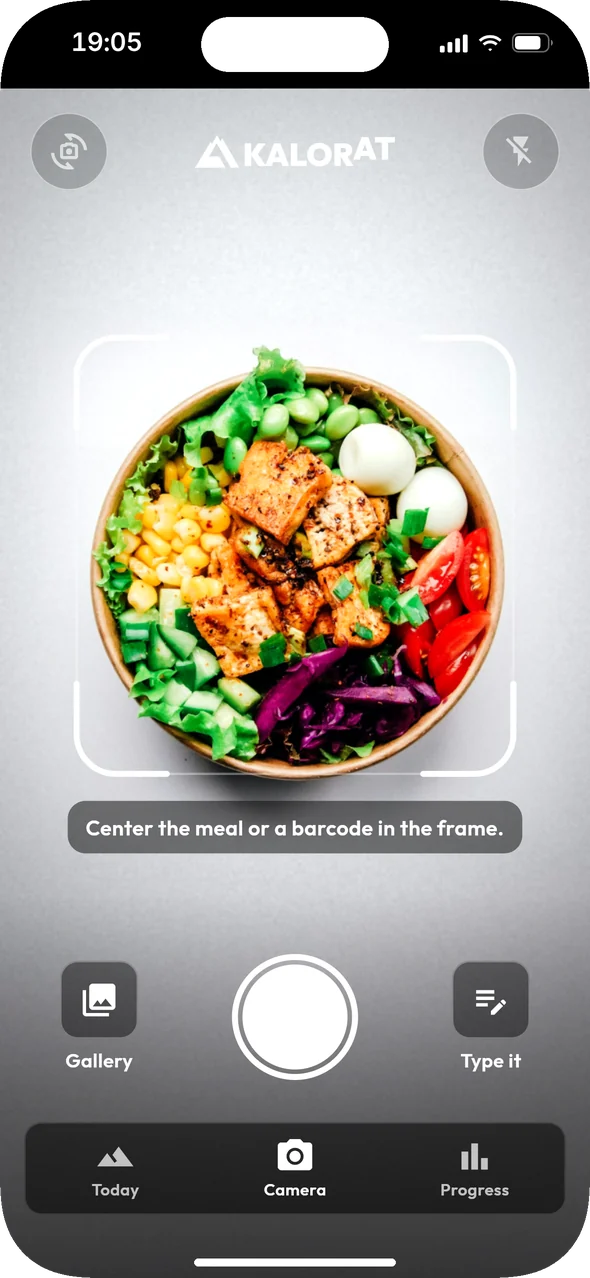
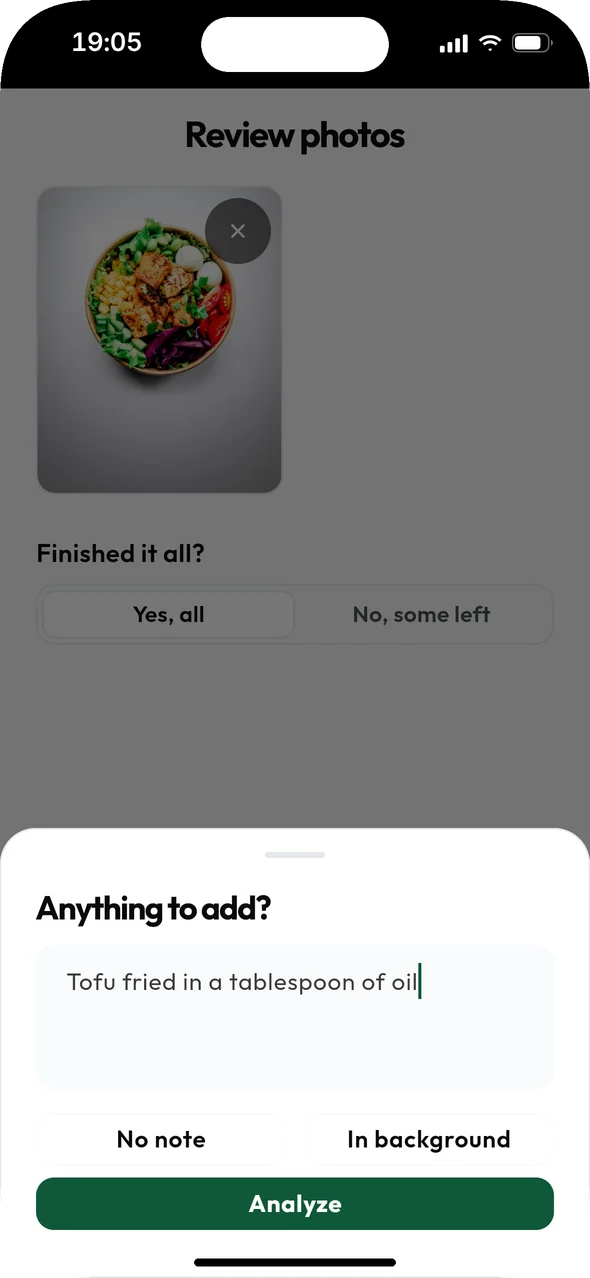
Say what the camera can’t see
“Tofu fried in a tablespoon of oil” goes along with the photo. A note is optional; it covers what the camera can’t see, like the oil in the pan.
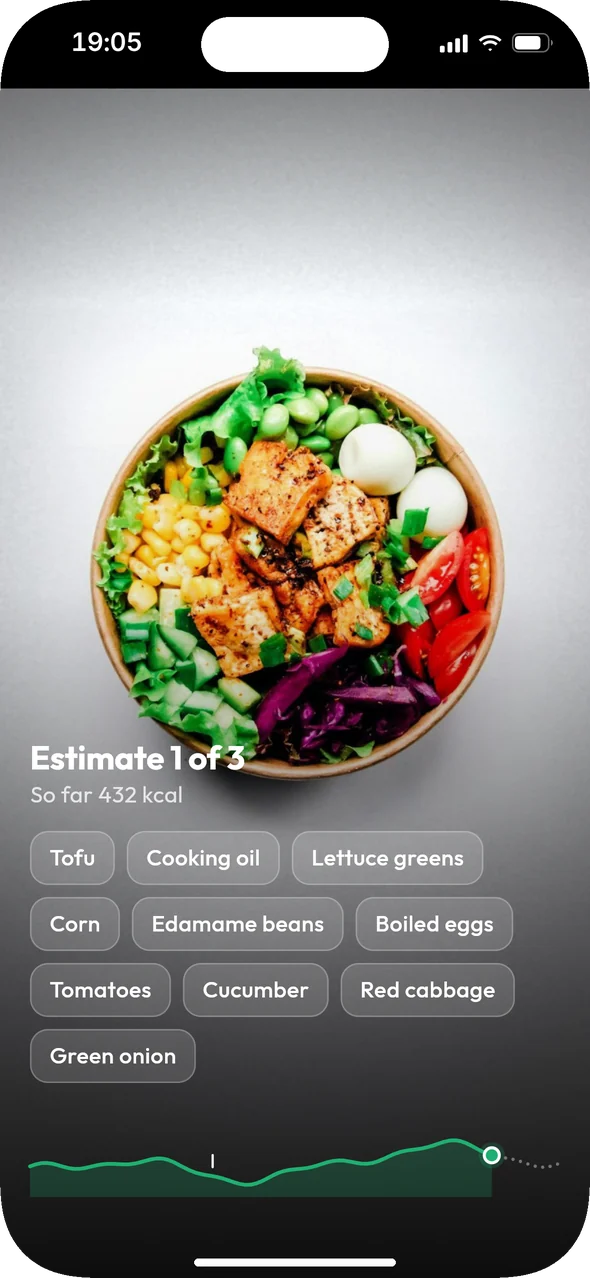
Three estimates at once
The parts appear as Gemini names them, and the first of three estimates lands within seconds. All three run side by side, so three take no longer than one.
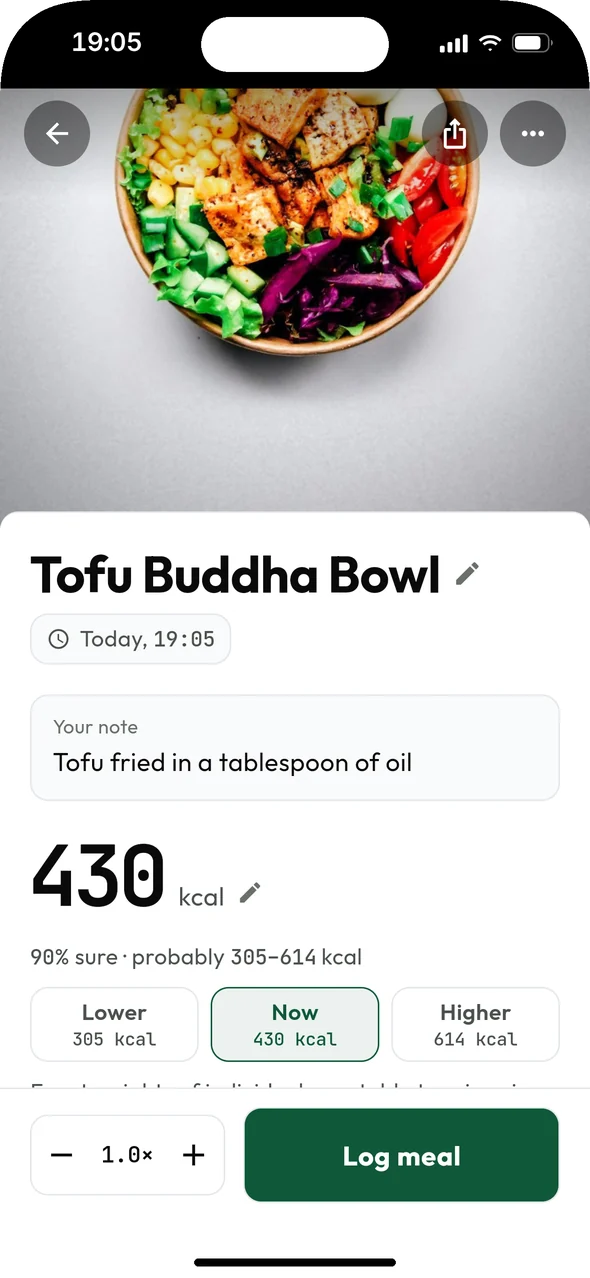
Every part, in grams
You see how sure it is, the range it could be, and why. Too much? One tap for lower, one for higher, or change a single part.
No plate to photograph?
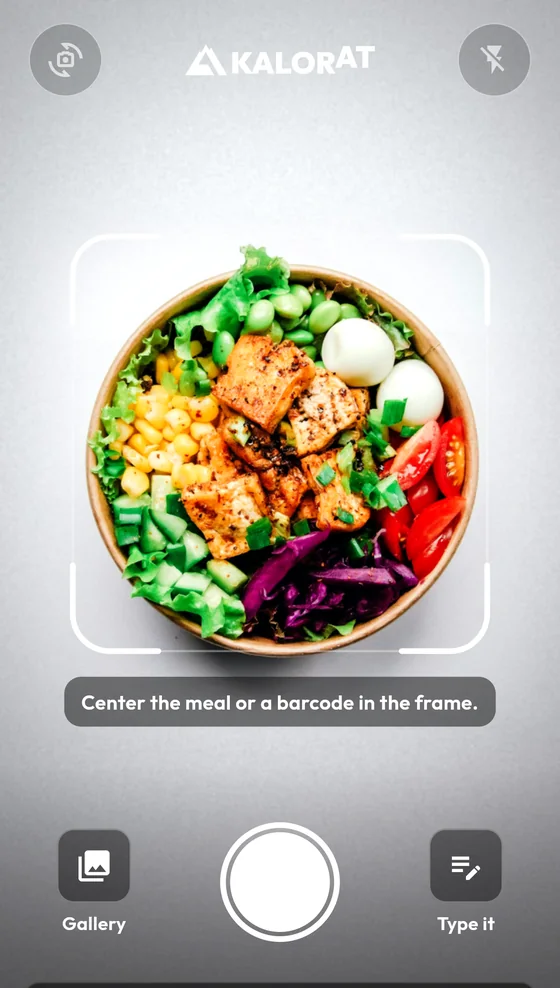
Photograph it
A plate, a tray, a bowl. Several photos, one meal.
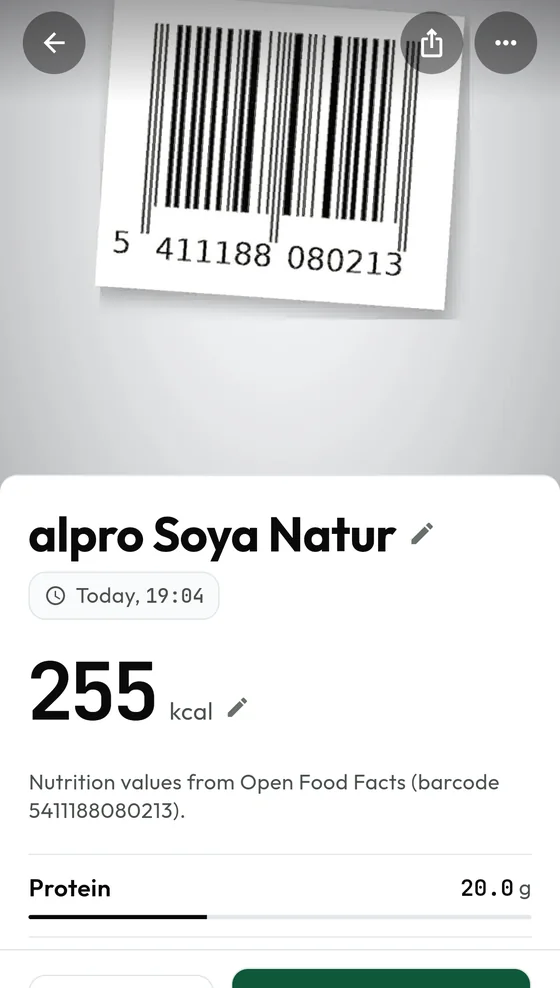
Scan the barcode
Packaged food comes with its label values from Open Food Facts. Not found? Photograph the label.
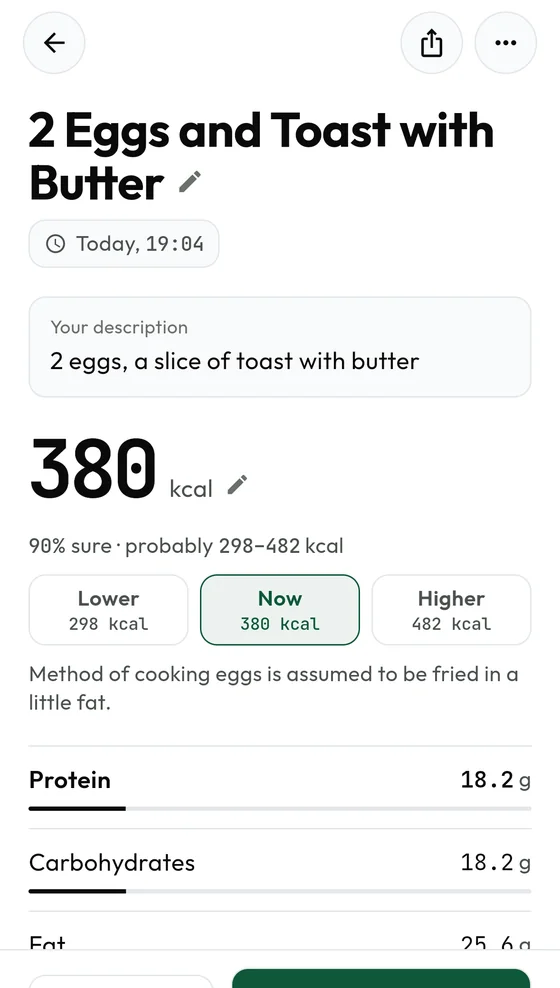
Type it
Write what you ate in your own words: “2 eggs, a slice of toast with butter”.
Costs nothing. Stays yours.
- No subscription
- Your own free Gemini key from Google AI Studio. Set up in a minute.
- Your meals stay on your phone
- No account. Google sign-in only if you want a backup.
- Take everything with you
- Every meal and weight, as JSON or Markdown, whenever you like.
- Open source
- Every line is on GitHub. github.com/Nikityyy/kalorat
Get Kalorat
Android
Download the app file from the latest release and open it. Android asks once whether your browser may install apps.
Download for AndroidiPhone
Kalorat runs as a web app from your home screen, full screen, like any other app. In Safari:
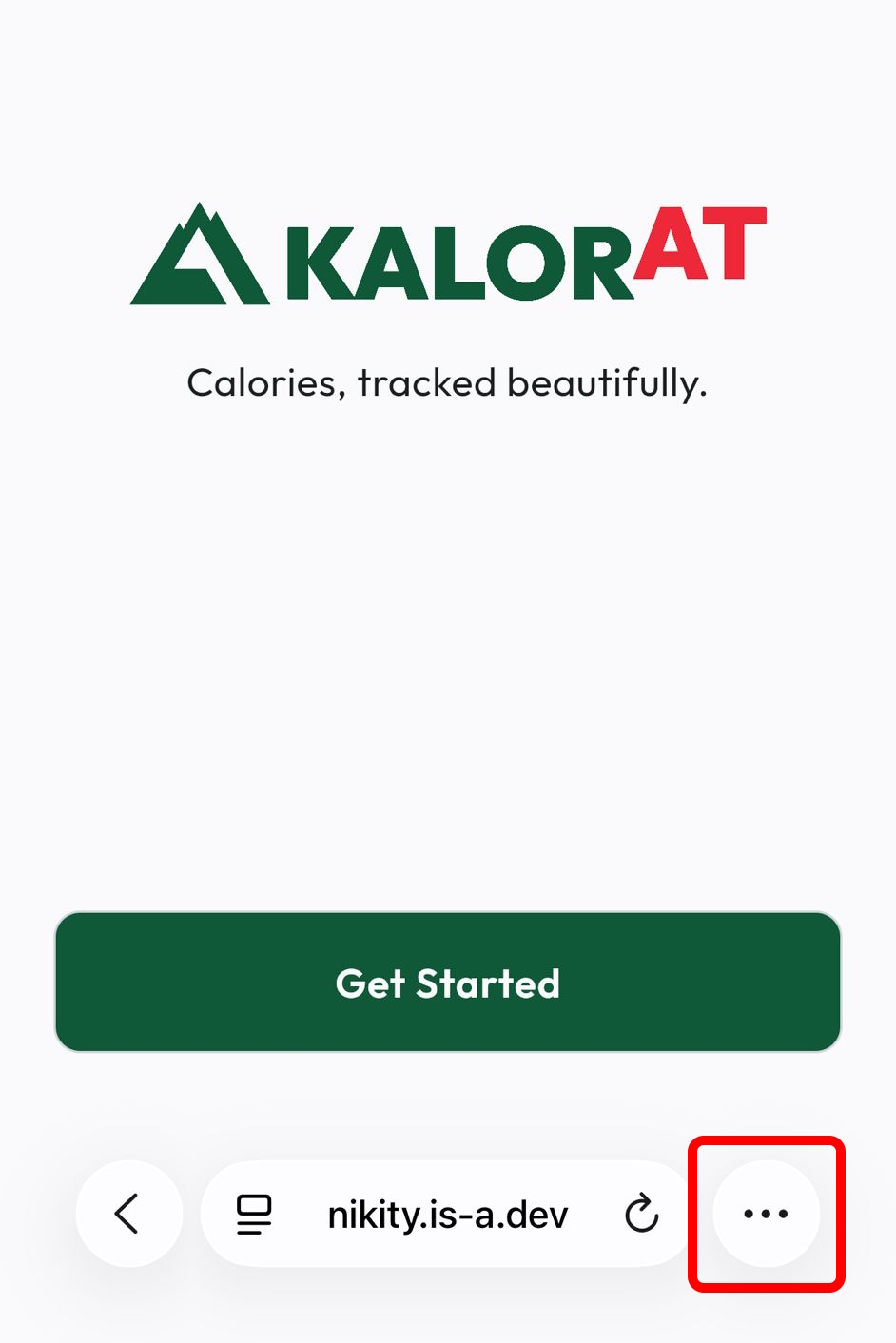 1Open the web app and tap ••• next to the address.
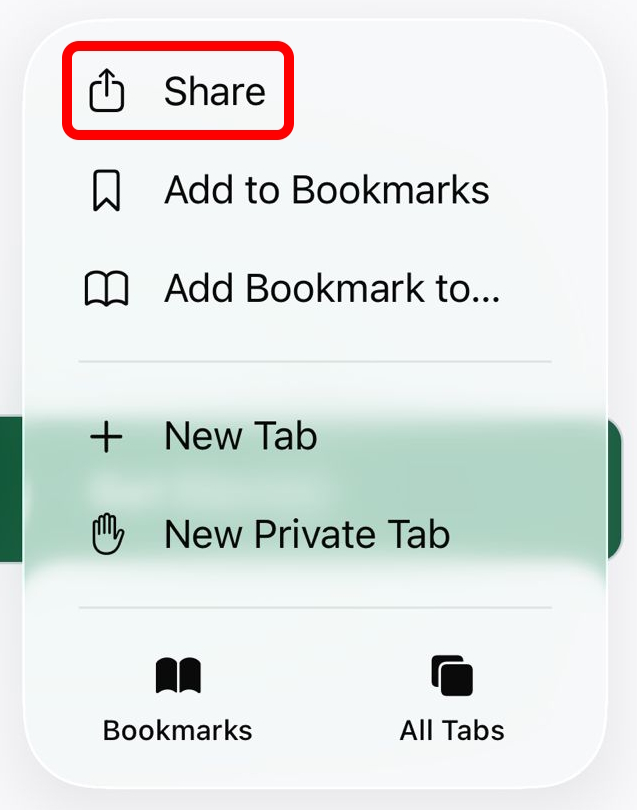 2Tap Share.
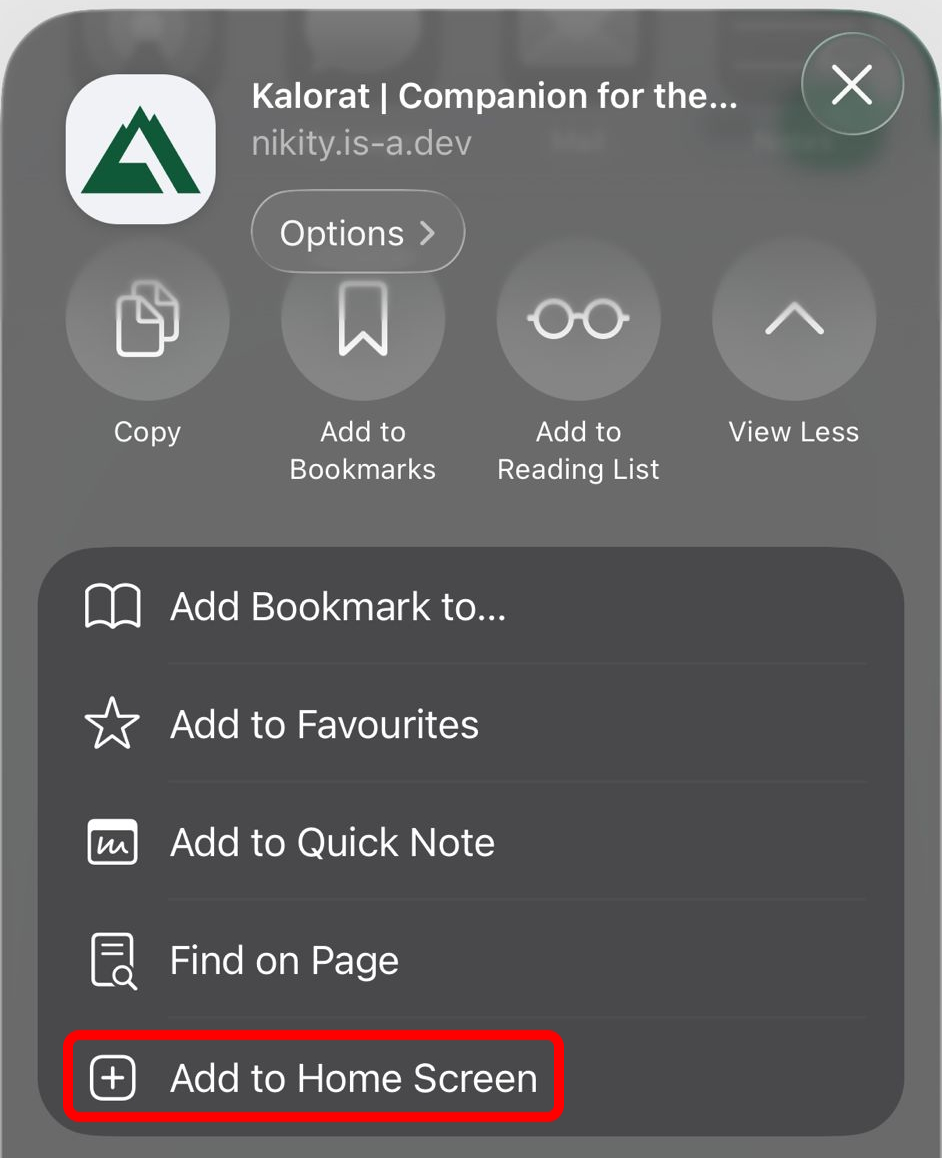 3Tap Add to Home Screen.
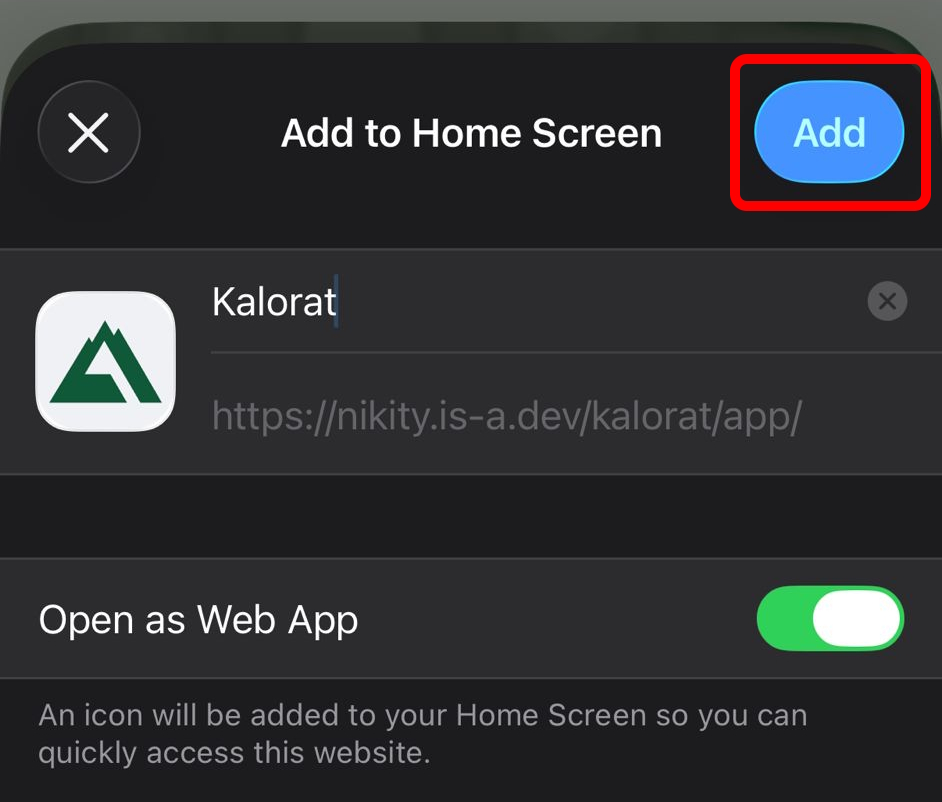 4Leave Open as Web App on and tap Add.